
The Truth About Amplifier Heat: Normal or a Warning Sign?
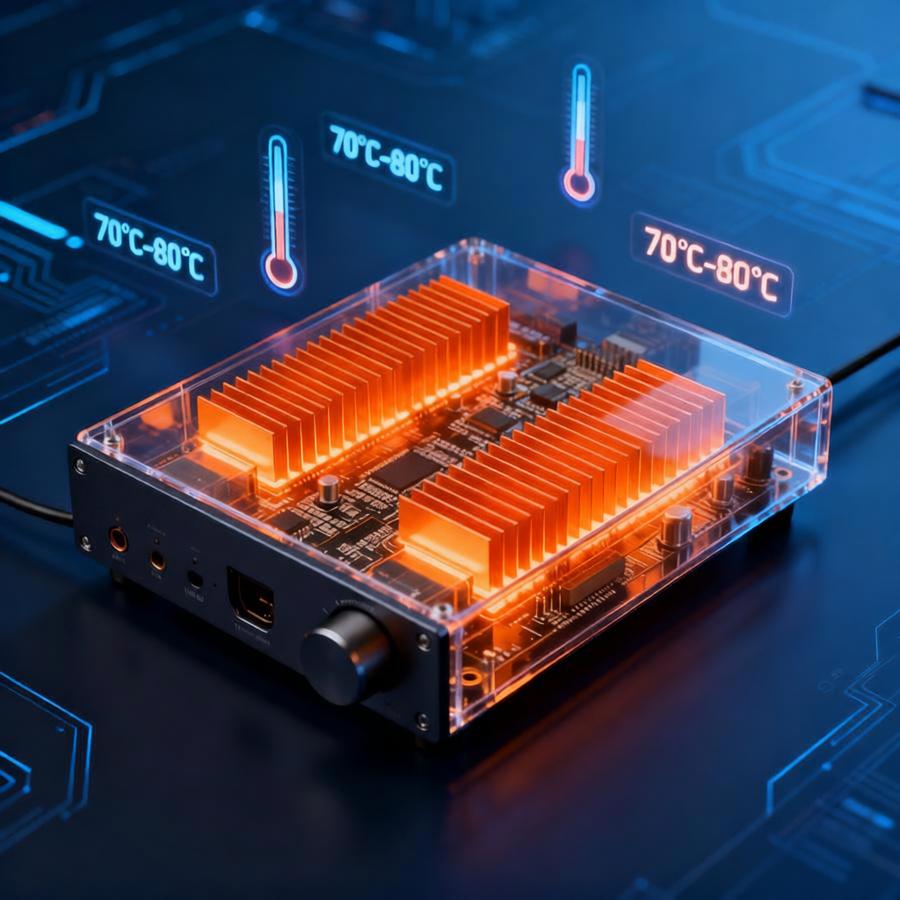
An amplifier getting warm during operation is a common experience for any audio enthusiast. But when does normal warmth cross the line into problematic overheating? Understanding the difference is crucial for both the longevity of your equipment and the quality of your sound.
Why Amplifiers Get Warm: The Normal Side
Heat is a natural byproduct of an amplifier's work. At its core, an amplifier takes a low-power audio signal and boosts it to a level capable of driving speakers. This process is not 100% efficient. A significant portion of the electrical energy is converted into heat rather than sound, due to resistance in the components (like transistors and output stages).
● Class of Operation Matters: Different amplifier designs run at different temperatures. Class A/B amplifiers, very common in home audio, typically run warm to the touch. Pure Class A amplifiers are known to run hot, as they are inherently less efficient. Class D (digital) amplifiers are highly efficient and often run much cooler.
● Power & Load: Driving speakers at moderate to high volumes, especially with complex musical passages or low-impedance speakers (e.g., 4 ohms vs. 8 ohms), makes the amplifier work harder, generating more heat. This is normal within its designed limits.
● Ventilation: A warm chassis indicates the heatsink is doing its job—drawing heat away from critical components and dissipating it.
When Heat Becomes a Warning Sign
While warmth is expected, excessive heat is a red flag. Here’s how to spot trouble:
1.The "Too Hot to Touch" Test: If you cannot comfortably keep your hand on the amplifier’s heatsink or top panel for more than 5-10 seconds, it’s likely overheating.
2.Performance Issues: Overheating often triggers a protective shutdown (the amp suddenly turns off). You might also hear distorted audio, a loss of dynamic range, or audible "clipping" even at moderate volumes before it shuts down.
3.Burning Smell: Any scent of hot electronics, melting plastic, or burnt components is a serious and immediate warning. Turn off the amplifier and unplug it immediately.
4.Inadequate Ventilation: If the amp is stuffed inside a closed cabinet, buried under other equipment, or placed on a soft surface that blocks ventilation vents, it will overheat.
Causes of Abnormal Overheating
● Faulty Components: Aging capacitors, failing transistors, or poor internal connections can cause the amp to draw excessive current and overheat.
I● mproper Speaker Matching: Using speakers with an impedance lower than the amplifier’s minimum rated impedance forces it to work dangerously hard.
● Electrical Issues: Problems with the household wiring, a faulty power cable, or unstable voltage can contribute to overheating.
● Dust and Debris: A thick layer of dust inside the amp acts as an insulator, trapping heat.
How to Keep Your Amplifier Cool and Safe
● Provide Space: Ensure at least 4-6 inches of clear space on all sides, especially above and behind the amp, for air to circulate.
● Keep It Clean: Periodically (with power off and unplugged) use compressed air to gently remove dust from vents and heatsinks.
● Check Your Setup: Verify that your speakers' impedance is compatible with your amplifier. Avoid running the amp at maximum volume for extended periods.
● Consider External Cooling: For hot-running amps or tight spaces, a quiet external cooling fan can make a big difference.
● Professional Service: If you suspect a fault or the amp consistently runs excessively hot despite good ventilation, have it inspected by a qualified technician.
Conclusion
Amplifier heat is typically a sign of normal, healthy operation. By understanding the distinction between standard warmth and dangerous overheating, you can enjoy your music with peace of mind. Treat your amplifier with proper care—give it room to breathe, match it with suitable speakers, and heed its warning signs. This will ensure it delivers pristine sound and remains a reliable part of your audio system for years to come.